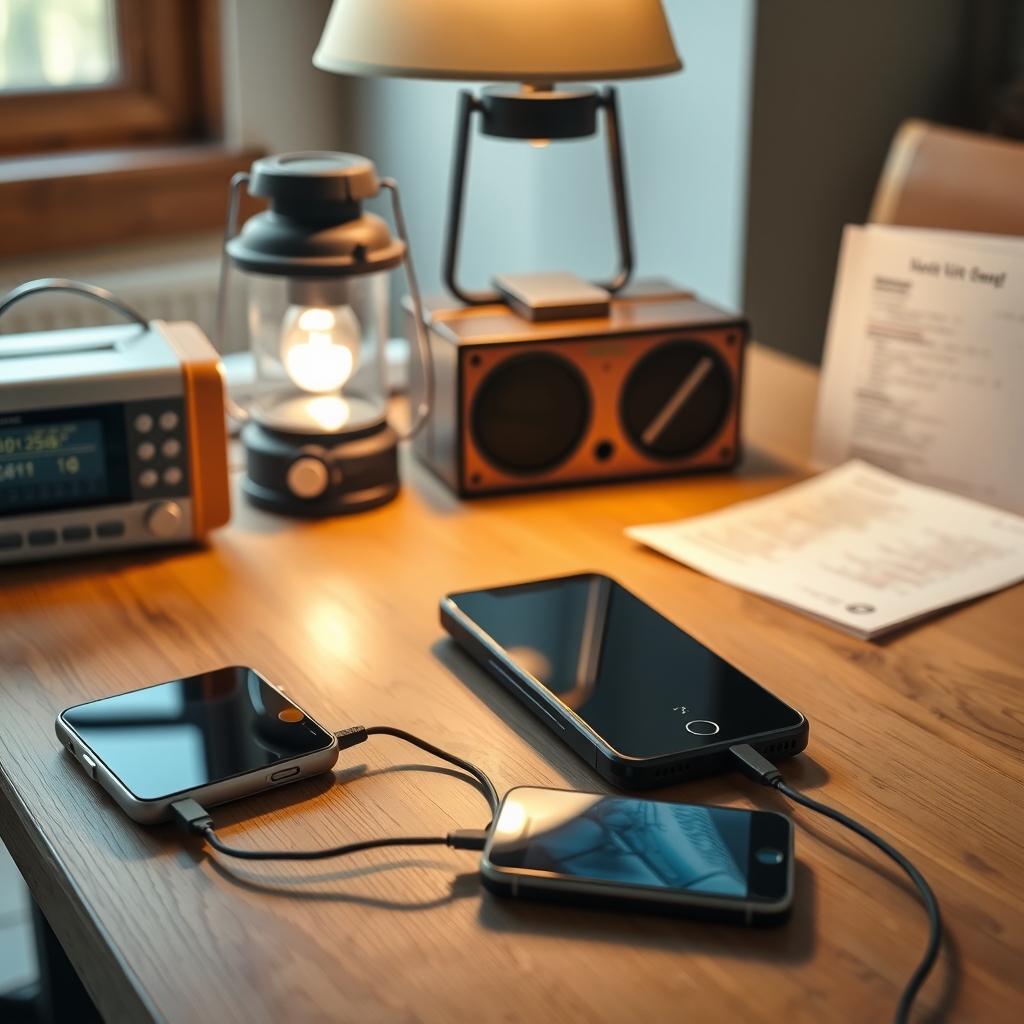
Keep your phone alive by treating power as a budget, not a tap. Charge everything before the storm arrives, put the phone in low power mode, turn off what you are not using, and recharge in short planned bursts from a power bank instead of leaving it plugged in all day. In a long blackout, a small radio or a paper plan removes the temptation to burn battery on scrolling.
Why does your phone die so fast in a blackout?
Because a phone in a blackout is doing more work than usual. Cell towers may be running on backup power, so the radio in your handset pushes harder to hold a signal, and that costs battery. You also use the phone more: flashlights, news, messages to family.
Add the ordinary drains (screen brightness, background sync, location, Bluetooth) and a phone that normally ends the day at 40 percent can be flat by mid afternoon.
What should you do in the hour before the power goes out?
A short list, done once, buys most of a day:
- Charge every phone, tablet and power bank to full.
- Fill a couple of water bottles and check your flashlights.
- Download offline maps, your contacts and any documents you might need.
- Screenshot your important phone numbers and write down two on paper.
- Turn on low power mode now, not when the battery is at 15 percent.
- Tell one person outside the area that you may be offline.
If you have a printed household plan, this is the moment it earns its place. DoomReady's free 10 page illustrated prep checklist is the same idea at https://doomready.us/#checklist and costs nothing beyond an email address.
Which settings actually save battery?
A few changes do most of the work. Screen brightness is the biggest single lever, so drop it low and use auto lock at 30 seconds. Turn off background app refresh. Turn off Bluetooth and location when you are not navigating. Switch to airplane mode when you are somewhere with no service at all, because searching for a tower that is not there is pure waste.
Low power mode is worth using for the whole blackout. It limits background activity and the wins are real, even if the phone feels slower.
| Setting | Why it matters | Keep on? |
|---|---|---|
| Low power mode | Cuts background refresh and polling | Yes, for the whole outage |
| Airplane mode | Stops the phone hunting for a dead tower | Yes, if you have no signal |
| Screen brightness | The single largest drain | As low as you can read |
| Location services | Constant GPS and radio use | Only while navigating |
| Bluetooth | Small but pointless drain indoors | Off |
| Auto download of photos and updates | Large background transfers | Off |
How do you ration a power bank?
Think in planned charging sessions rather than a cable left in. Charge the phone to about 80 percent, unplug, and put the bank away. Two or three sessions a day is plenty for calls and messages, and it keeps the bank from sitting at a high drain state.
Label your banks with a marker and note which one you drained first, so you are not guessing at 2 am. Keep the bank out of direct sun and off a hot car dashboard, since heat is what shortens their life.
If you want a sense of how far a small battery goes, the numbers from DoomReady's Offline Brain build are a useful reference: that machine draws about 3W idle, about 6.5W working and about 11W while answering, and a 74Wh power bank runs it for about 10.5 hours. A computer that answers questions with no internet at that draw is what makes weeks long outages survivable for information, not just light. The mechanics are at https://doomready.us/brain and the parts cost is roughly $459 as of November 2026.
What about the car and the generator?
A car charger is a real option but not a free one. Idling a car to charge a phone is inefficient and creates a carbon monoxide risk if the vehicle is anywhere near a garage or a window. If you use the car, charge in short runs with the car outdoors and well away from the house.
Never run a generator indoors, in a garage, in a basement or under a window, and never backfeed a house circuit. Generator safety details are covered in DoomReady's own guide at https://doomready.us/guides/generator-safety and in the federal guidance at https://www.ready.gov/power-outages.
How do you keep phones useful for a week?
The trick is to stop treating the phone as the only tool. A battery powered radio gives you official information with almost no power cost. A paper map, a printed contact list and a written plan cover the rest. The phone becomes a camera, a messaging device and a flashlight, used on purpose.
For a longer outage, an offline library changes the equation: reference material that answers questions without a network or a charged phone at all. DoomReady's free build tutorial at https://doomready.us/tutorial walks through the whole thing step by step with no signup, and the Complete System at $19 (all five books, 165 illustrated pages) is the paper version of the same thinking if you would rather not build anything.
Common mistakes
Charging to 100 percent every time and leaving the cable in. Wasting the bank on video. Forgetting that the bank itself needs charging before the storm. Keeping the phone in a cold car overnight, where the battery drains faster. And relying on a single charger for four people.
The short version
Charge early, ration deliberately, cut the settings that cost the most, and keep a low power information source that does not depend on the phone. A blackout is mostly a logistics problem, and logistics are easier when you decide the plan before the lights go out.
This is general educational information, not professional or safety advice. In a real emergency, follow official instructions from local authorities.